

How to Promote Your eXantria Account Safely on Instagram Using Link.me

Instagram remains one of the best places to grow an audience and turn followers into paying subscribers on eXantria. But Instagram’s rules around adult or exclusive content are strict. Direct links to platforms like eXantria, explicit captions, or overly suggestive posts can lead to restricted reach, age-gating, or account action.
The smart, lower-risk approach used by many creators is a clean “bridge” page. Link.me is an excellent tool for this. Here’s a practical, step-by-step guide to promote your eXantria account safely.
1. Why Use Link.me Instead of a Direct eXantria Link?
Instagram allows only one link in your bio. Putting your eXantria URL directly there increases the chance of automated flags for solicitation or adult content.
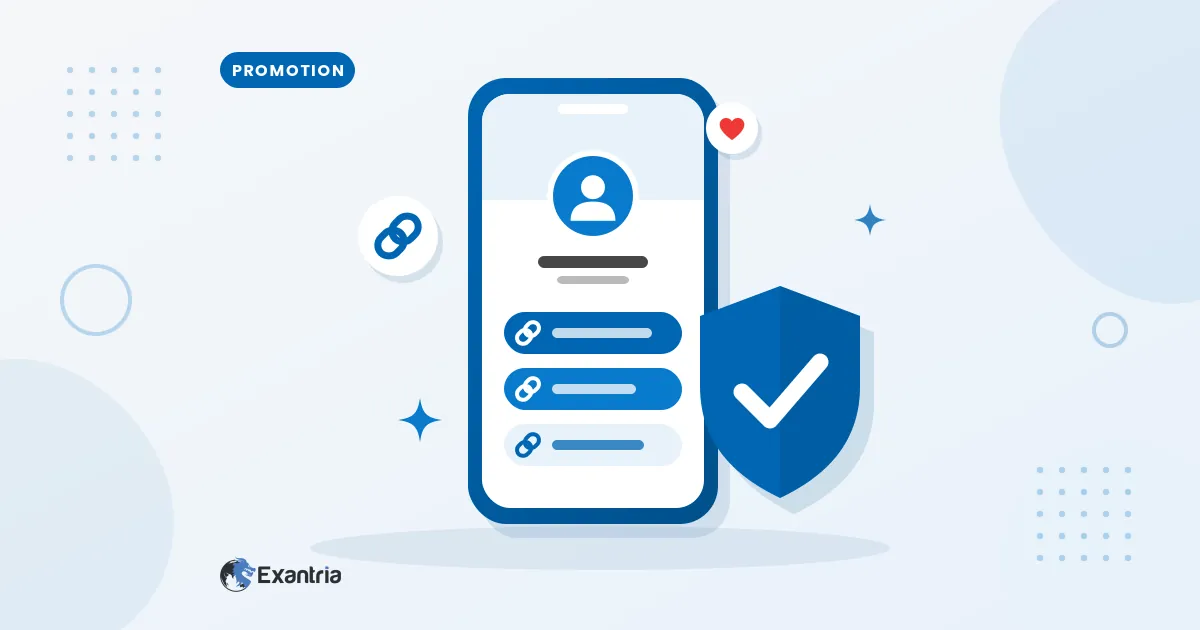
A Link.me page acts as a neutral middleman:
• Your Instagram bio points to a clean Link.me profile.
• Visitors land on a page you control that can include your eXantria link plus other socials, tips, or free content.
• You can update links anytime without changing your Instagram bio.
• Link.me offers analytics so you can see what drives clicks.
Many creators prefer Link.me (or similar tools) over older options because of its clean mobile design, customization, and lower reported flag rates in some creator communities.
2. Set Up Your Link.me Page for eXantria
1. Go to link.me and create a free account (or log in).
2. Claim a short, memorable username (ideally matching or close to your Instagram handle).
3. Customize the page:
• Add a clear profile photo and short bio that matches your Instagram branding (keep it SFW and professional).
• Add your eXantria profile link as a prominent button or featured link. Use neutral wording such as “Exclusive Content,” “VIP Access,” “My Private Page,” or “Subscribe for More.”
• Include a few other links so the page looks like a normal creator hub (e.g., your other socials, a free teaser, or tip jar if available).
• Optional but useful: Enable email capture or a simple form so you collect contacts outside Instagram.
4. Preview on mobile — most traffic comes from phones.
5. Copy your Link.me URL (example: link.me/yourname).
3. Optimize Your Instagram Profile
• Bio: Some social platforms limit links or certain words in bios, so keep your bio simple and let your Link.me page carry your eXantria link.
Good examples:
“Exclusive content & daily updates →”
“More of me lives here 👇”
“VIP access linked below”
• Website / Link field: Paste your Link.me URL only.
• Profile picture & highlights: Use SFW images. Create a Highlight called “Links,” “VIP,” or “More” and pin a Story with the Link.me URL (or a sticker) so people can find it even if bio links get restricted later.
• Switch to a Creator account for better analytics if you haven’t already.