
How to Plan a Weekly Posting Schedule on eXantria

Share
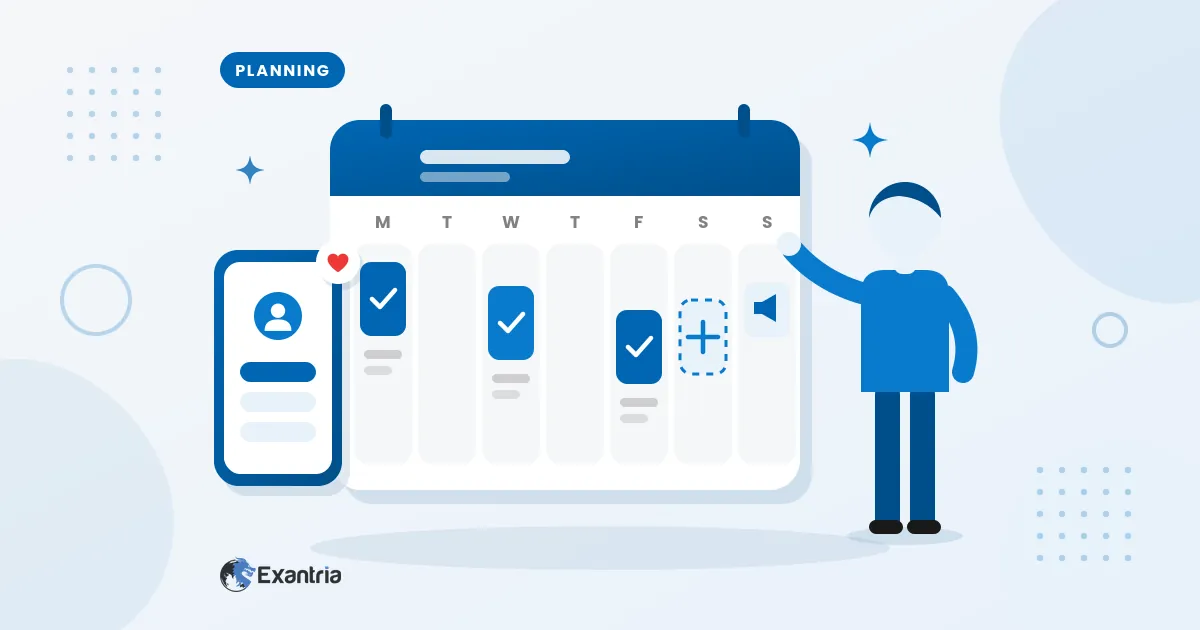
Fans subscribe because they like your work. They renew because they know more is coming. A weekly posting schedule is the simplest way to make that promise and keep it, and on eXantria it also keeps your page in good standing.
This guide shows you how to build a weekly plan you can actually keep, whether you post photos, videos, cosplay, fitness tips, art or written updates.
Why a schedule matters on eXantria
eXantria’s Terms of Service set a clear minimum. Creators who charge a monthly subscription fee must publish at least 2 posts per week and 10 posts per month that are available to their paid subscribers.
Missing it has real consequences. Under the Terms, if a creator stays below the minimum for a continuous period of 60 days, eXantria may mark the account as inactive or unpublish the page.
When that happens:
- new subscriptions and auto-renewals may be paused
- the page may disappear from search and explore pages
- existing fan subscriptions may be cancelled
- fan payments may be refunded
- payment may be delayed by 30–60 days
The FAQ also lists “insufficient subscriber posts as required per month according to the website terms” as one reason a payment can be late.
The good news: creators normally get a warning by email or in-platform notification before this happens, and the minimum is very doable once you have a plan.
Step 1: Pick a rhythm you can keep
Here’s a detail many new creators miss. Two posts a week across a whole month adds up to only about 8 or 9 posts, which is short of the 10-per-month minimum. So “twice a week” on its own is not enough.
A safer starting rhythm is three subscriber posts a week. That gives you around 12 to 13 posts a month and a buffer for busy or sick days. If you have more time, add more, but choose a pace you could keep up even in your busiest month. Consistency beats bursts: five posts one week and none the next feels unreliable to fans, and a zero-post week breaks the 2-a-week rule.
Step 2: Give each posting day a job
Deciding what to post is harder than posting. Remove that decision by giving each day a theme. eXantria supports photos, videos and written posts, and lets you offer extra perks such as private messaging or custom content, so mix formats:
- Main post day: your best photo set or video of the week, for subscribers.
- Behind-the-scenes day: a subscriber post with a quick photo, short clip or text update about how you made something, a day in your life or what’s coming next.
- Fan day: publish a short subscriber post (a Q&A or “what should I post next?”), then reply to messages.
- Extra day (optional): a locked post or special set for fans who want more, priced fairly.
- Promo day: share a safe-for-work teaser on your social media that links to your eXantria page.
A few rules keep your plan safe. Keep public and unlocked posts suitable for everyone.
Don’t repost your Instagram or Facebook content and charge for it, because the FAQ doesn’t allow that. Inside eXantria, only use the social media links in your profile settings, and don’t advertise other channels.
Read What Content Is Allowed on eXantria before you plan your themes.
Step 3: Post when your fans are awake
eXantria creators and fans are spread across several time zones, so “evening” means different clock times depending on where your fans live:
- Philippines: UTC+8
- Vietnam, Laos, Cambodia: UTC+7
If most of your fans are in your own country, post at the times you see them most active on your social media, often after work or school and before bed.
If your fans are spread out, rotate your posting times through the week and note which posts get the most likes and messages. Use your own results rather than a “perfect time” from the internet.
Step 4: Batch your content and keep a backlog
Creating content ahead of time makes it much simpler to stay on schedule. Pick one or two sessions a week to shoot, edit and write captions for several posts at once. Then keep a small backlog of ready-to-go posts, ideally a full week’s worth, for days when life gets in the way.
Good backlog material includes outtakes from your main shoots, simple text updates, throwback photos you haven’t shared before and short tips related to your niche.
Step 5: Track it and adjust every month
Keep a simple tracker in a notebook, a spreadsheet or your phone’s notes:
- the date of each subscriber post
- the format (photo, video, text)
- how fans responded (likes, comments, messages)
Check two things at the end of each week: did you hit at least 2 subscriber posts, and are you on track for 10 or more this month? Once a month, look at which themes got the best response and do more of those.
A sample weekly posting schedule
| Day | Job | Example |
|---|---|---|
| Monday | Main post | New photo set or video for subscribers |
| Wednesday | Behind the scenes | Subscriber post: text update with one photo from the shoot |
| Friday | Fan day | Short subscriber Q&A post + reply to messages |
| Saturday | Extra (optional) | Locked bonus set, fairly priced |
| Sunday | Promo + batch | SFW teaser on socials, prepare next week |
Monday, Wednesday and Friday each include one subscriber post, which gives you three subscriber posts a week. Saturday is an optional bonus, and Sunday is promotion and preparation, not a subscriber post.
If you fall behind
It happens. If your page is marked inactive, the Terms explain how to reactivate it: log in, publish at least one subscriber post per day, and upload a total of at least 5 subscriber posts. Once you meet these conditions, the account is marked active again and your page becomes visible to fans again. A backlog makes this quick.
Start your schedule today
Open your calendar, choose three posting days and write one idea next to each. That’s your first week done. If you’re not on eXantria yet, it’s free to start: create your creator account at exantria.com/start.